Open a shop
Start with a catalog, test checkout and use Studio to manage products, orders and releases.
Create a shop
Veyndo is an AI native commerce platform built in Rust. Your storefront, Studio, apps and agents work with the same products, permissions and orders.
Überblick auf Deutsch · Architecture & SDK · Current platform status
Start with a catalog, test checkout and use Studio to manage products, orders and releases.
Create a shopBuild an Experience with Storyfront and use Veyndo for stock, price, checkout and orders.
Open Experience StudioUse the JavaScript SDK for buyer accounts, checkout and interactive A2UI working views in your own app.
Run Connected Shop · Compare OpenUI and A2UI · Use A2UI in Studio · Build a buyer accountYour own storefront, Storyfront, Studio and agents all work with the same catalog, stock and orders. Use the JavaScript SDK to build your interface. Connect individual services where your project needs them.
Start with the whole shop or use a component with the system you already run.
Manage a catalog, channel pricing, customers and orders in Studio. Build a storefront, run a register or import marketplace orders against shared inventory.
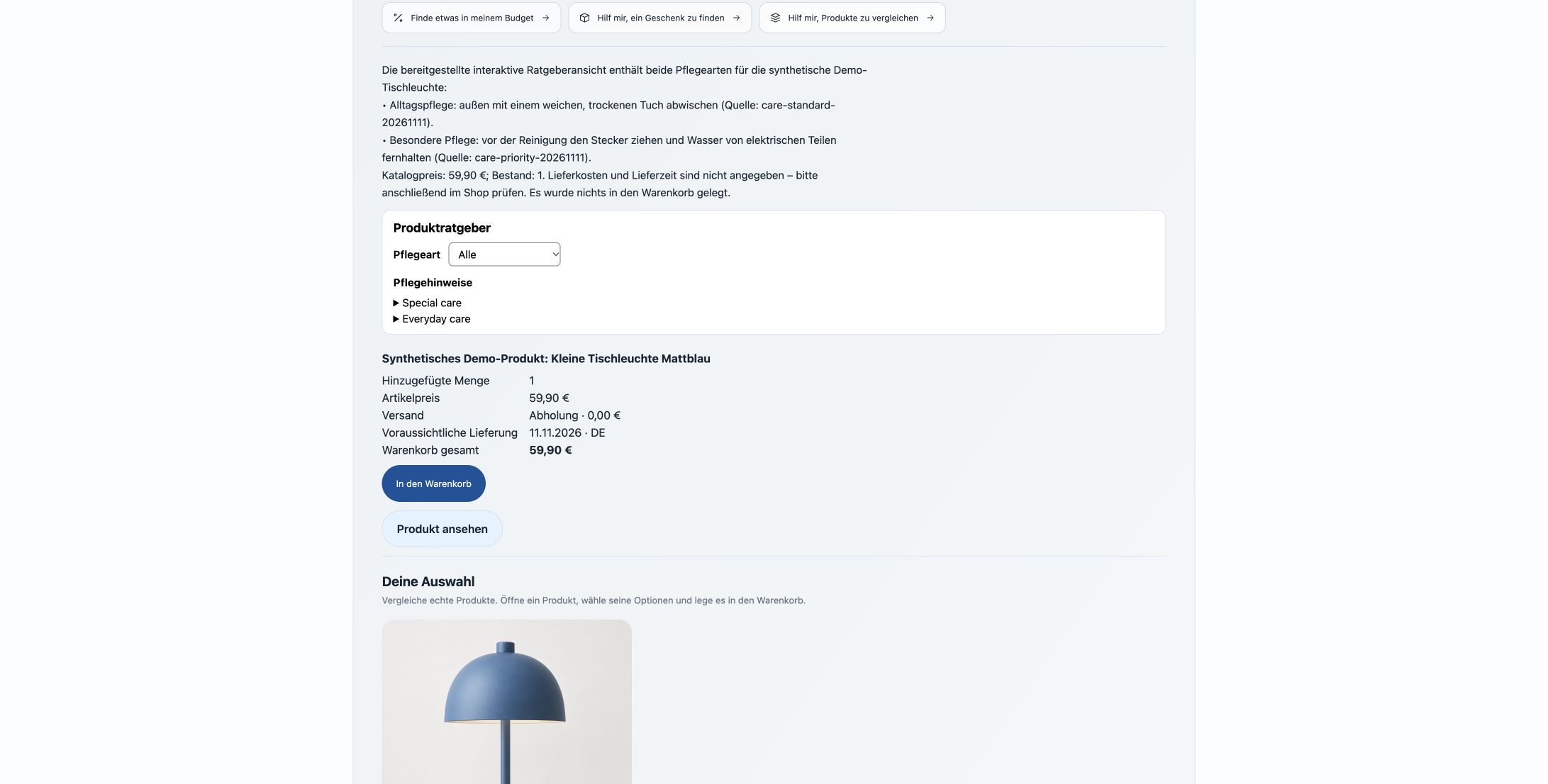
Explore the feature guideShoppers can filter an app result, choose a variant and review its price and delivery before adding it to the cart. Merchants can inspect private app data and approve a proposal in a sandbox.
Build an interactive Product GuideConnect commerce events, rules and app actions in Flows. Core commits the order and stock together. Workers handle follow-up activity such as connector delivery.
Explore rules and FlowsUse the shared Rust contracts or connect independent services through HTTP and MCP. The commerce host keeps authoritative prices, inventory and orders.
See the component mapThe Lumen pilot brings eight services together. The release record links the running versions, instance checks and tested shop journeys. Native and Storyfront purchases completed with PayPal Sandbox refunds.
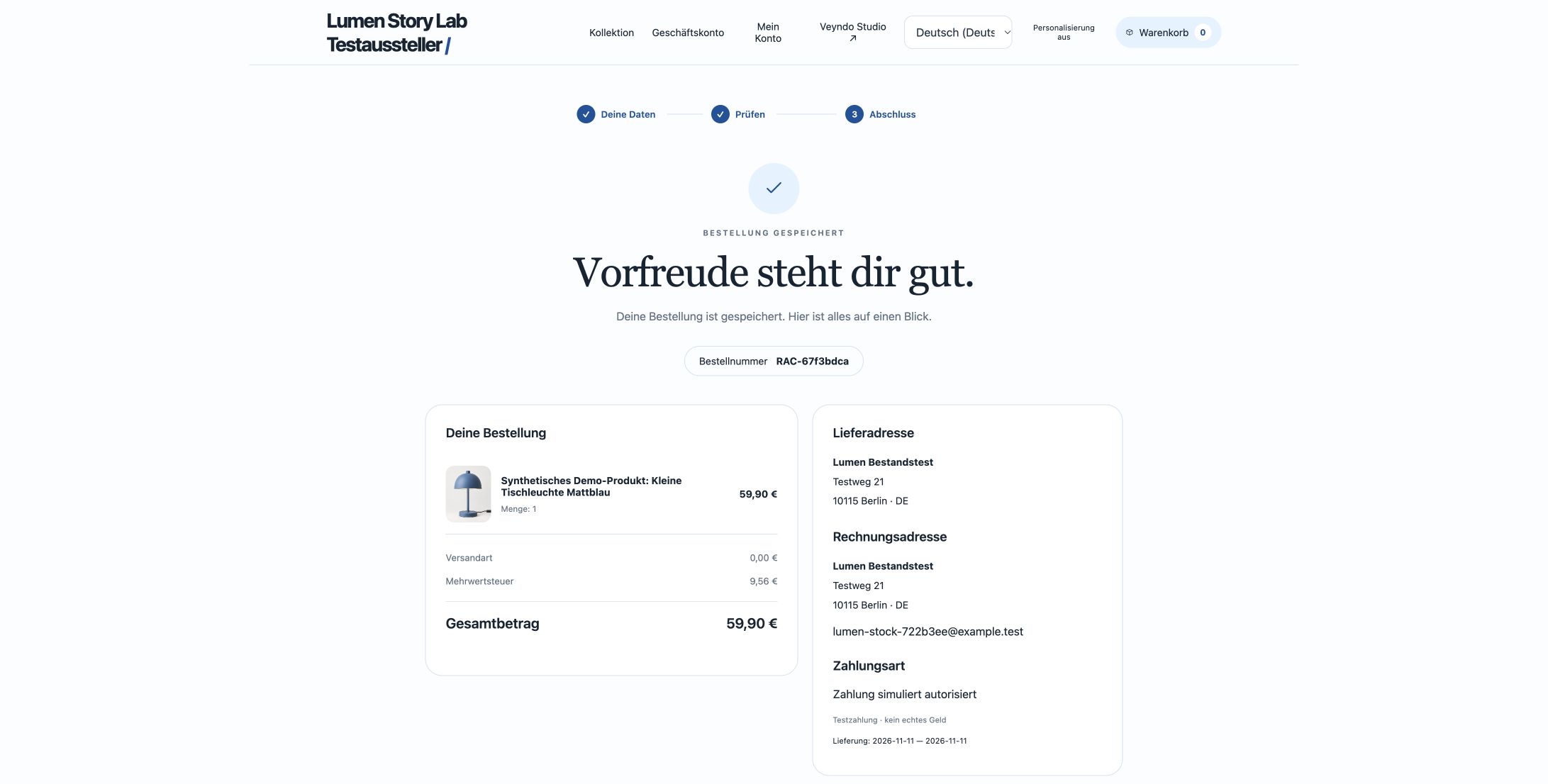
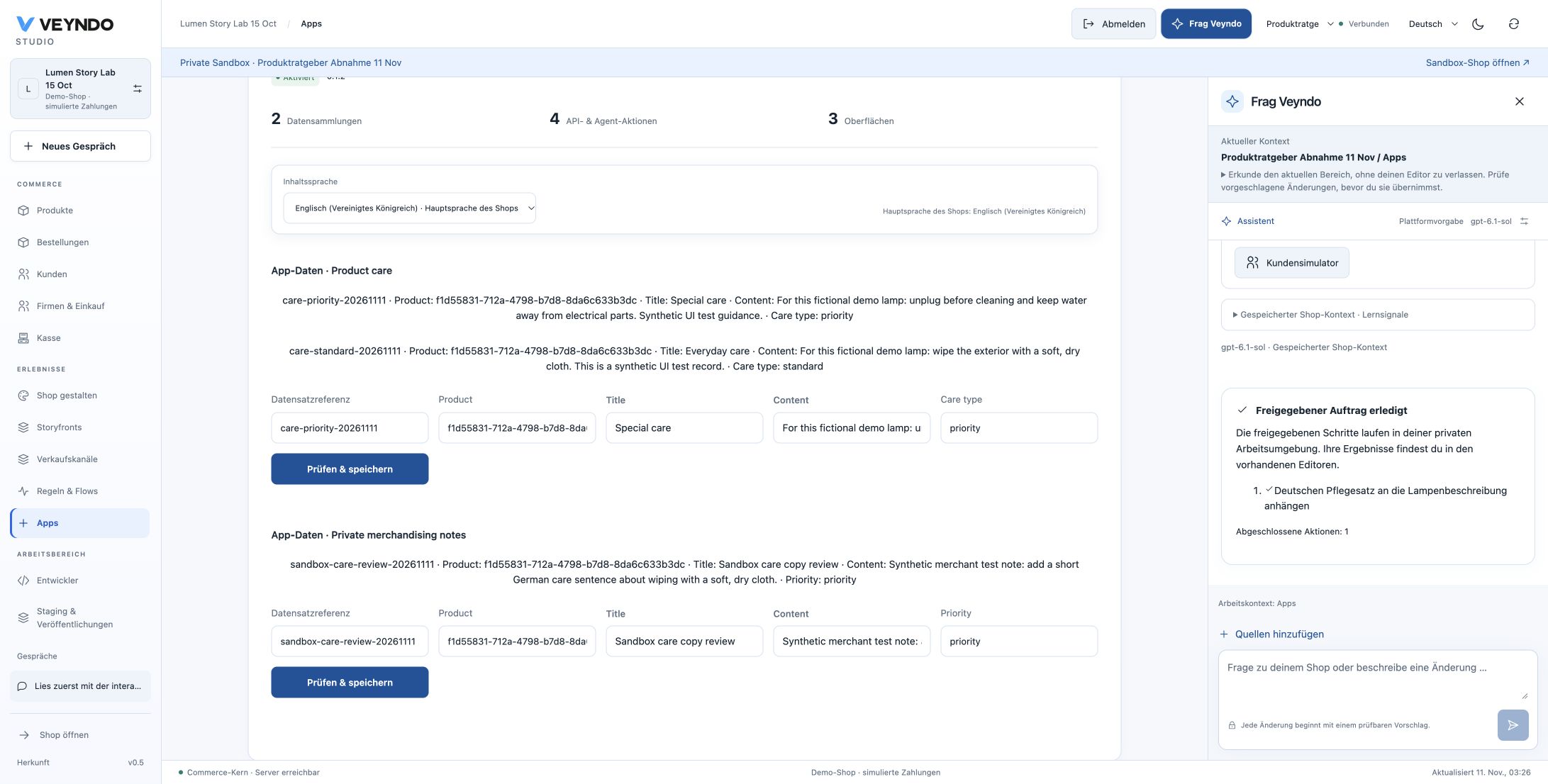
See the variant review · Read the current acceptance record · Check shared migrations · View the release inventory
Place a simulated order, inspect it in Studio and publish a selected catalog change.
Open the playground guideRead products, inspect a draft and review the operation in Studio.
Open the agent workshopExplore the recorded workload, environment, latency and exact order counts.
Read the benchmark resultsActual native Studio captures from 2 November 2026. English subtitles, no sound. Follow the shared canvas, product work, a product advisor app and contextual AI.
1:56 · English · Silent
Merchant intake, reviewed shop knowledge, design references, the shared canvas, app assistance and fictional customer scenarios.
VTT and SRT captions, editable project ↗1:12 · English · Silent
Follow one wool coat through merchant tools, a saved product advisor record, visual shop design and a native simulated order.
VTT and SRT captions, editable project ↗1:36 · English · Silent
Product content, multilingual captions, SEO, related products, native variants, private shop design, selected publication and content restoration.
VTT and SRT captions, editable project ↗1:24 · English · Silent
App placements, graphical editing, the contextual coding assistant, installation settings, data relationships, actions and a saved care record.
VTT and SRT captions, editable project ↗13 October 2026
Three earlier connected tours, retained with their original capture date. Actual UI, readable English captions and no sound. Choose a tour or jump to a chapter.
POS → shared native order · Company → unit → budget
One catalogue. Shared orders. Controlled business purchasing.
Actual UI screencast. A cash sale was recorded only in an isolated synthetic shop; no fiscal-device or external EDI delivery is demonstrated.
App draft → private preview → selected product release
Typed apps. Visible workflows. Deliberate releases.
Editorial sequence of fresh actual UI stills. An app draft version, an unsaved Flow edit and a selected product release are shown as distinct operations.
Sources → review → explicit autonomy limits
Connected knowledge. Reviewed sources. Explicit limits.
Actual UI screencast of reviewed synthetic knowledge and explicit autonomy limits. No continuous business optimization or model training is demonstrated.
The product. In motion.
A fashion shop. A visual app builder. Knowledge, flows and controlled releases. Six real workflows, recorded inside Veyndo.
Native SKU → reviewed quote → saved order
Choose a real SKU, review the server-calculated quote and complete a simulated order. Product, stock, checkout and order history share the same commerce core.
Recorded 6 October 2026 at 84d4f1b. Demo card is simulated; no real money is charged.
Visual canvas → component properties → undo / redo
Add UI blocks, inspect their properties and undo or redo your changes. App Studio uses the versioned data, API and interface schema that coding agents use too.
Design preview uses explicitly labelled sample data. This clip does not show a paid coding-agent call.
Private source → publication review → public knowledge
Move a fictional care document through the publication decision. Sources retain their origin and visibility; private information does not become customer knowledge just because it was uploaded.
Native knowledge workflow; no model-training or external inference result is claimed.
Order event → rule branch → durable actions
Explore a saved six-step order flow with conditions, two branches, a durable delay and document generation. Native actions and declared app capabilities live in the same graphical workspace.
Editor walkthrough. This recording does not assert external email or Slack delivery.
Private sandbox → selected app version → release
Publish the selected versioned app package from a private sandbox. Separate app-record data stays in staging instead of being silently copied into the live shop.
Actual selective package release in a synthetic shop; no production tenant was modified.
Saved translations → one language selector → Markdown
Switch between saved product translations, then open their Markdown source. A single content-language control keeps the product editor focused while the shop language provides inheritance.
Displays existing translated content; switching language does not trigger an AI translation call.